
Find a Charging Station Near Me: Download the FLO Mobile App
May 19, 2026
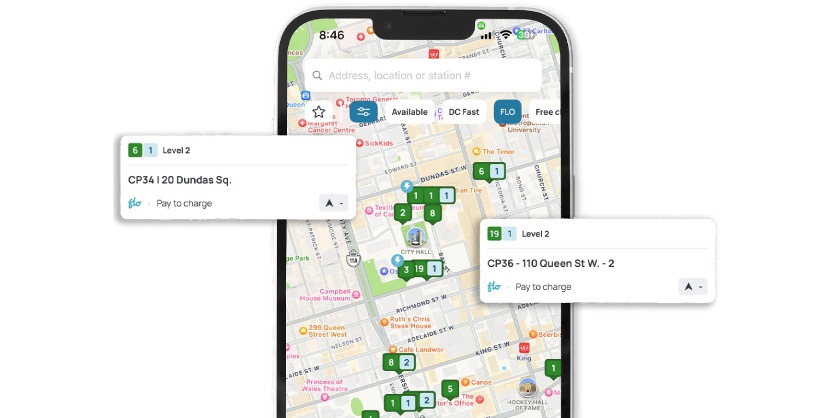
Download the FLO app. Easily find stations, start a charging session, and pay — all from your mobile device.
How does the FLO app work?
The app makes navigating the FLO network so simple that breaking up with the gas pump is easier than ever.
1. Locate a station
Use the map feature on the FLO app to find EV charging stations near you, or search for one along your route.
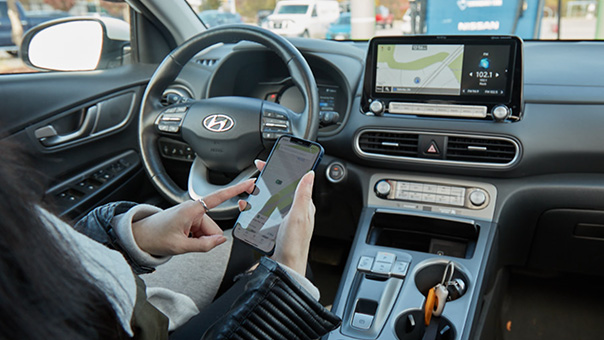
2. Pull up and park
When safely parked at your desired station, click “start” to activate the charger.
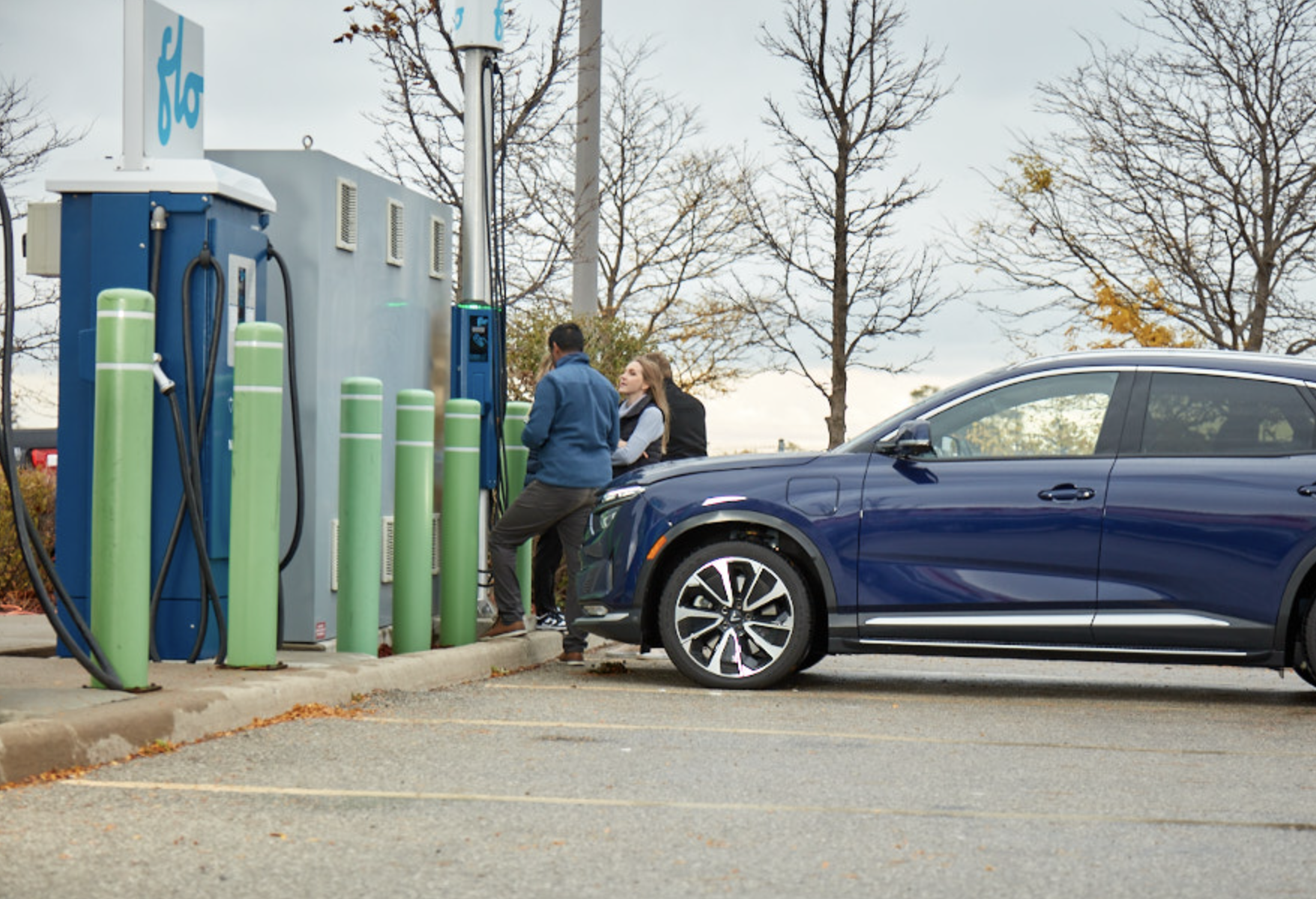
3. Click or tap
Powering your EV on the FLO Network is just that simple. You can also click here to pay.
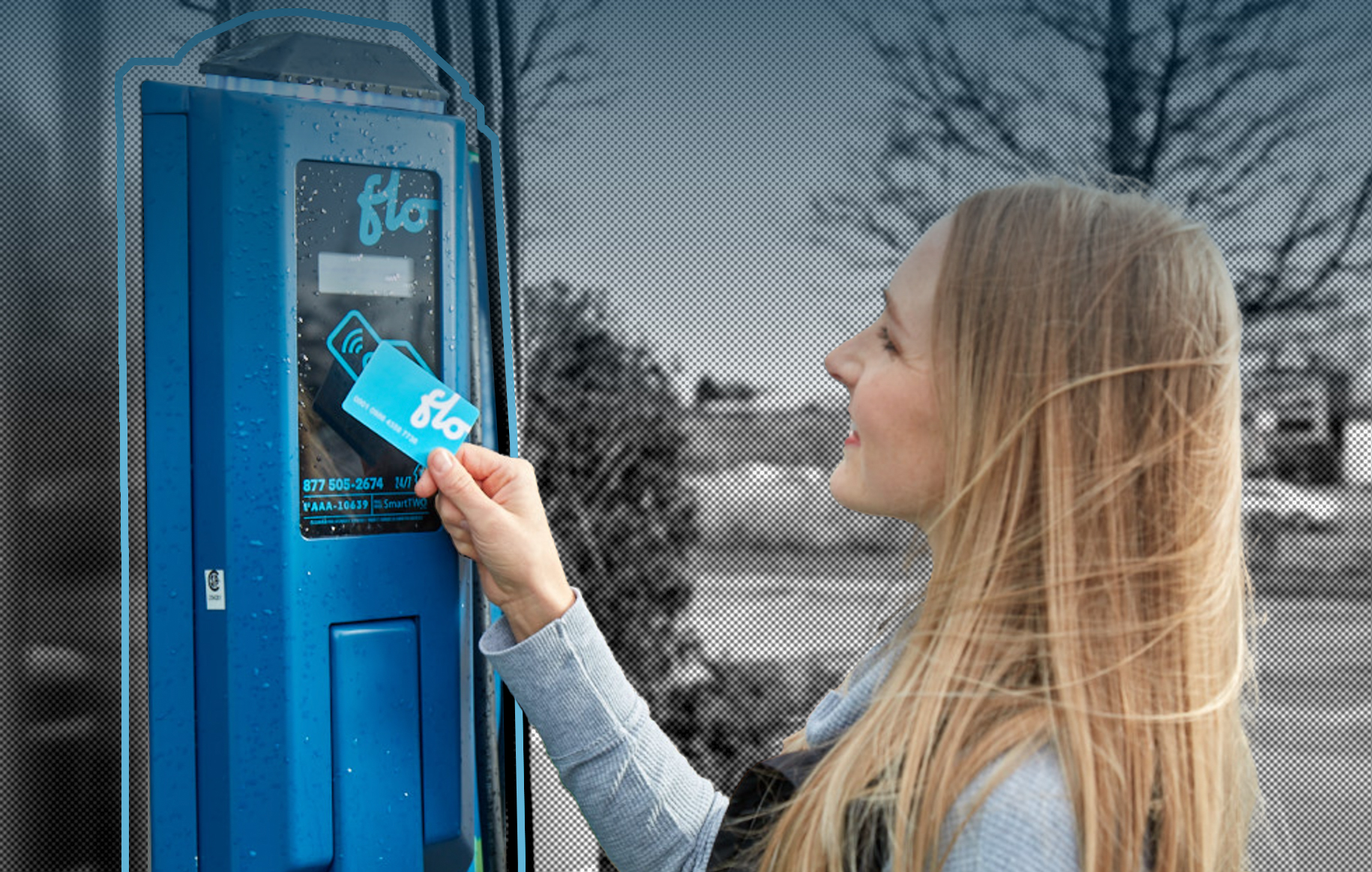
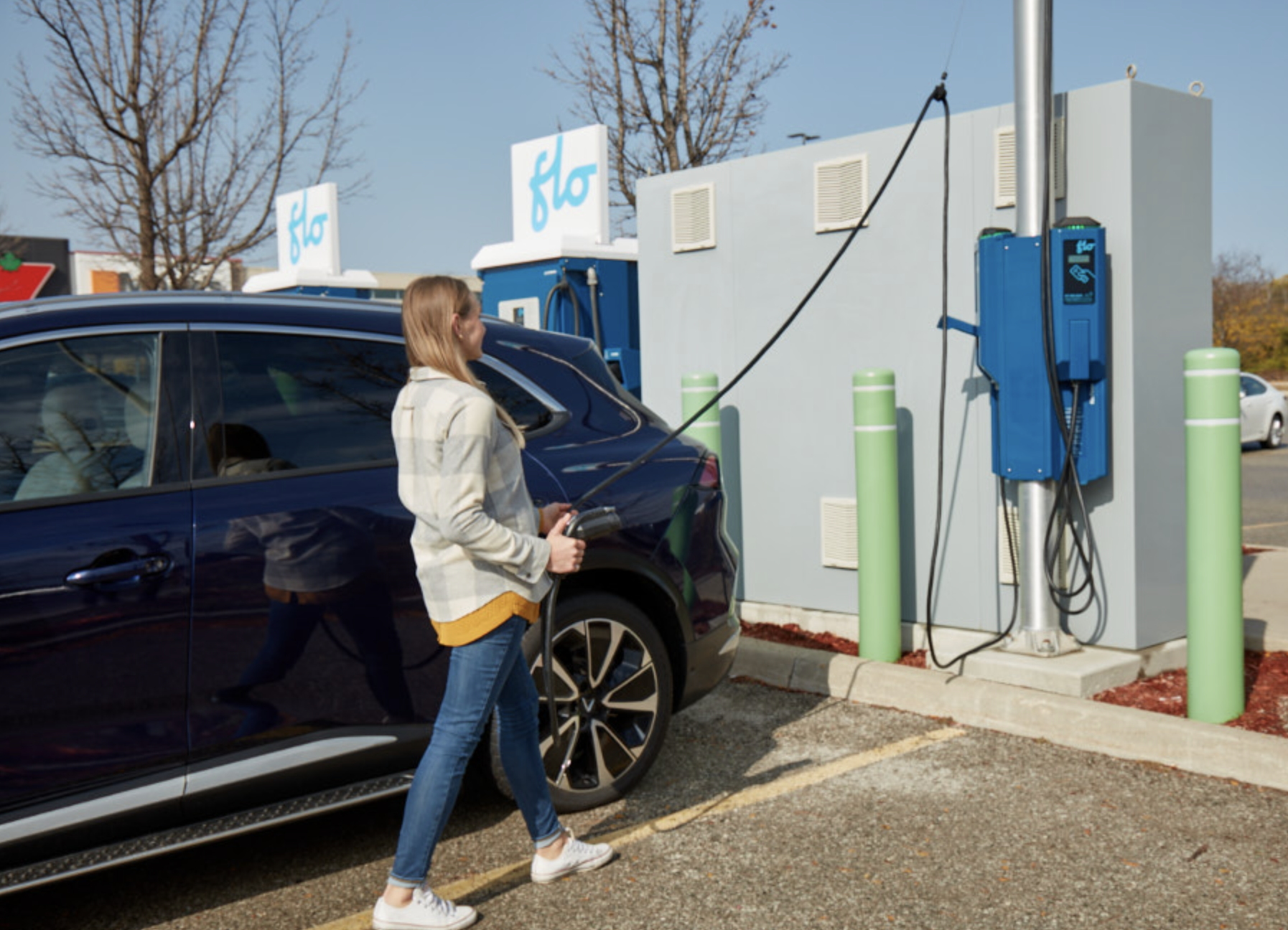
4. Plug in the connector
Take the connector from the station and place it in your vehicle’s charging port.
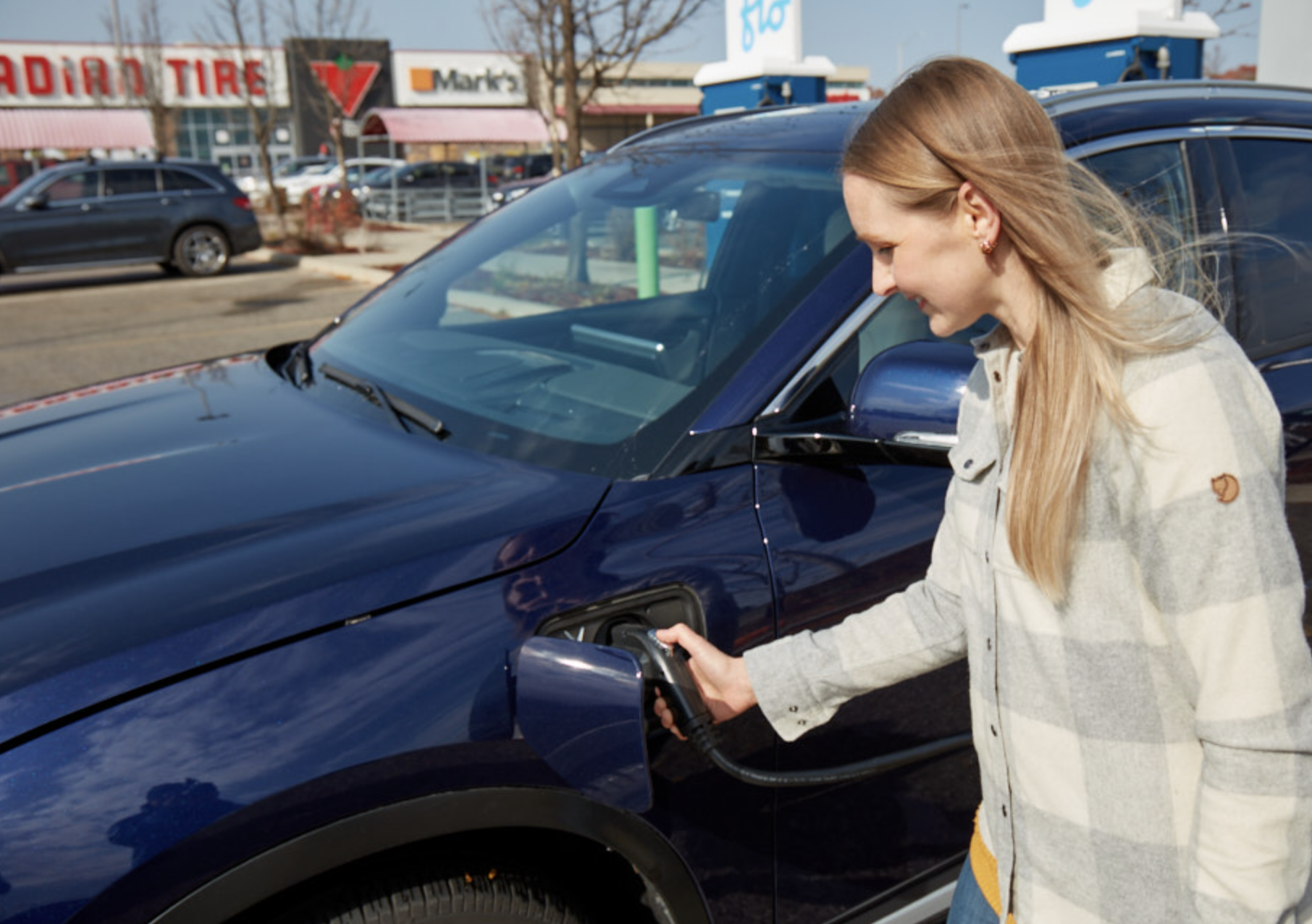
5. Finish your charge
When you’re ready to move, remove the connector, and place it back into the station holster. Your session will end automatically.
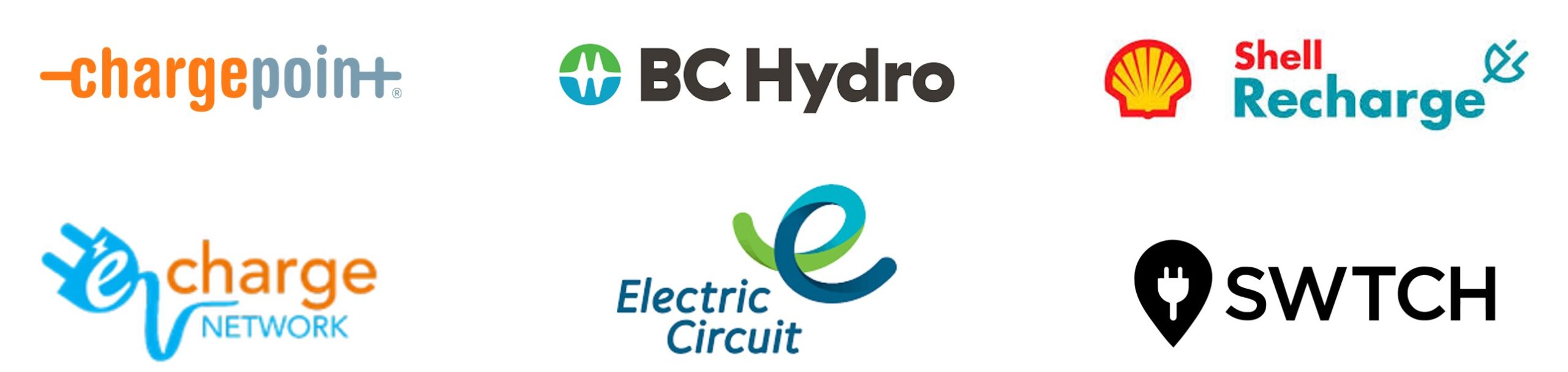
FLO’s partner networks
FLO provides extended network coverage for EV travels across North America, thanks to their network partners.
More Information
EV charging companion guide: Learn everything you need to know when using charging stations on the FLO Network.